
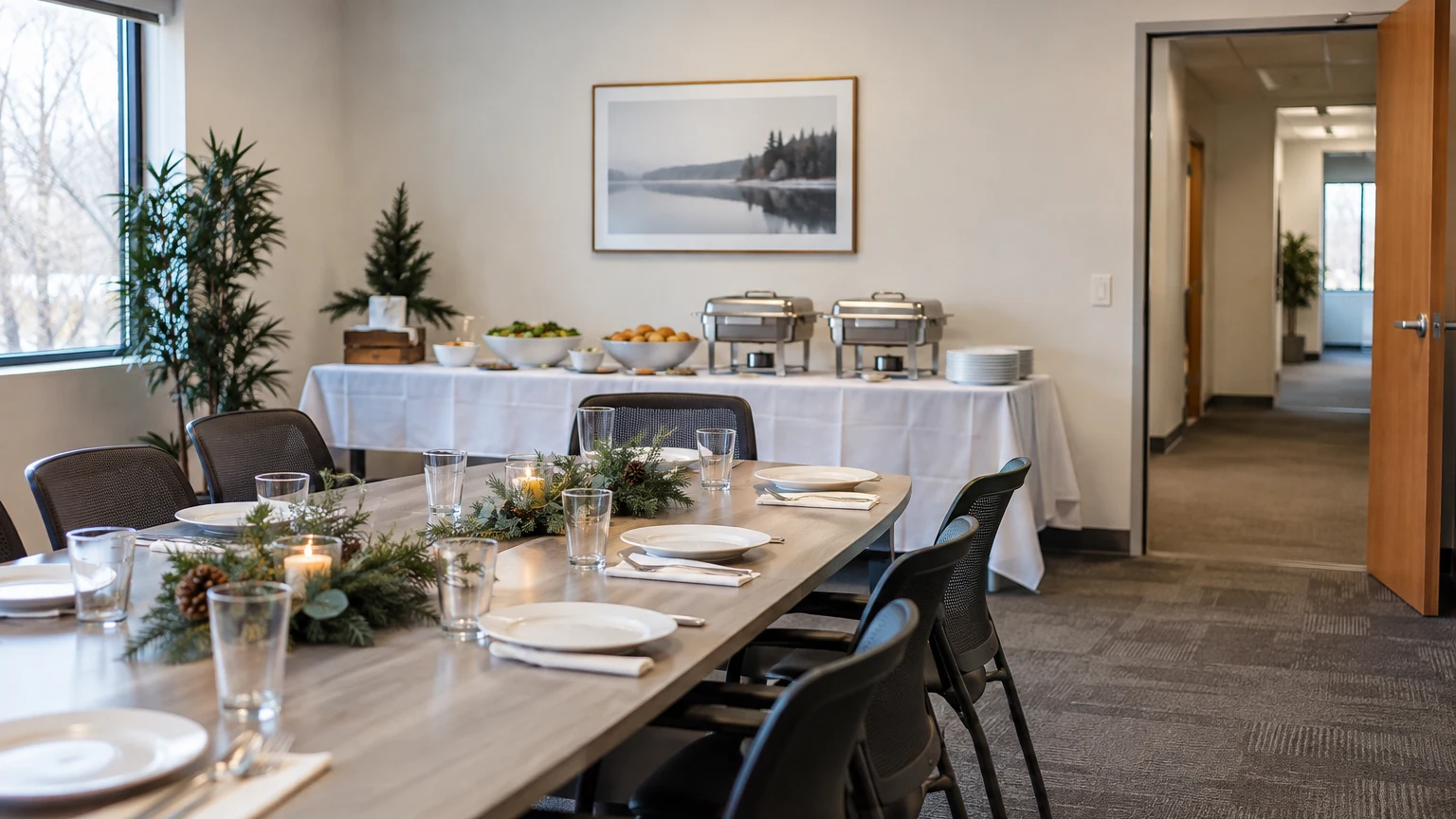
An office holiday lunch does not need a separate venue to feel like an occasion. A meeting room or shared space can work beautifully when the food, furniture, and workday have a clear plan. The challenge is making a room do a different job for a few hours without leaving everyone to solve the details at lunchtime.
Start by choosing how people will attend. Will the whole team eat together? Will employees arrive in shifts? Is lunch part of a short program? Those answers are more useful than choosing a theme first. Here are three office holiday party ideas built around the way your workspace actually functions.
Choose one of three lunch formats
A seated lunch for the whole team
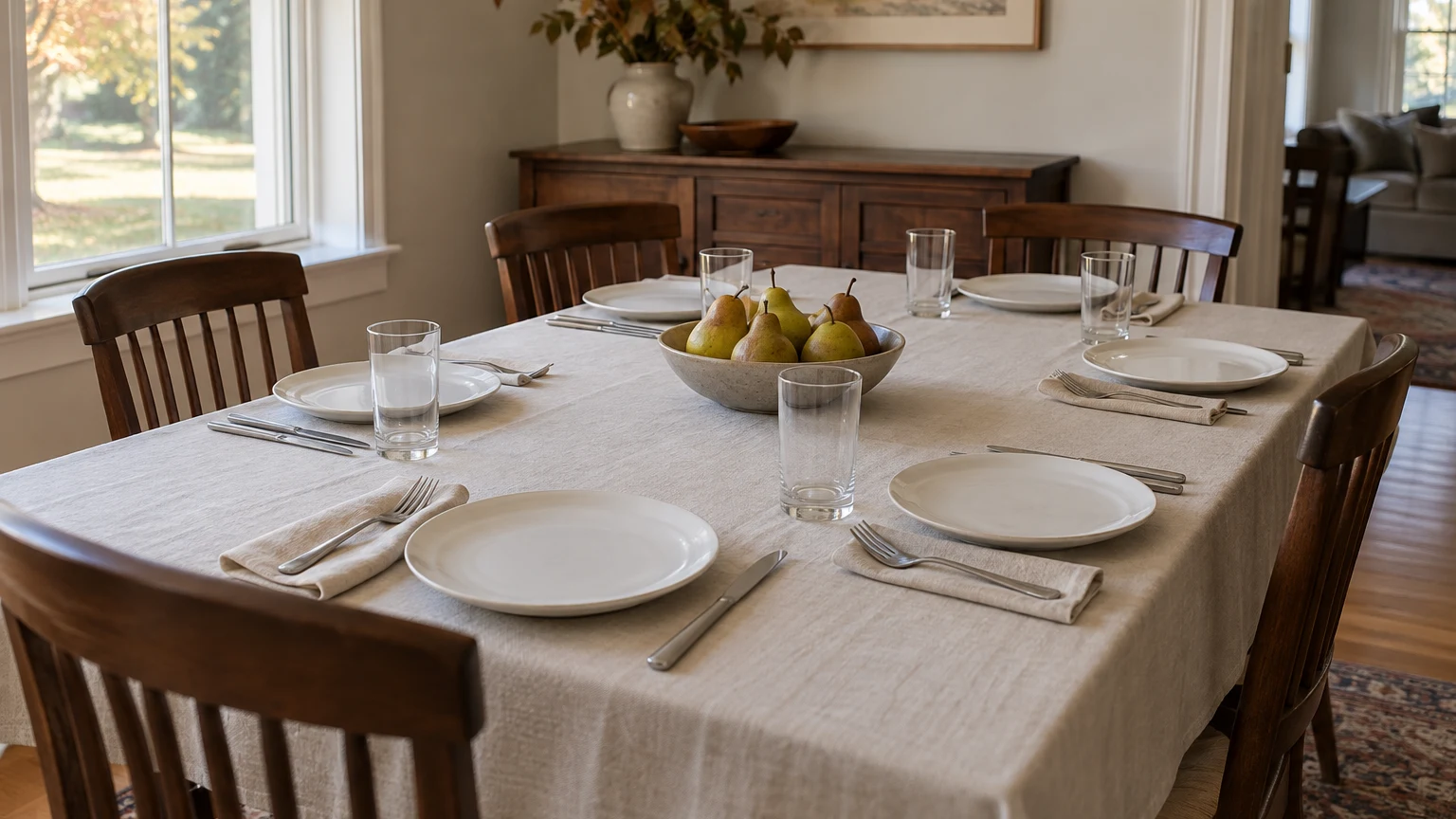
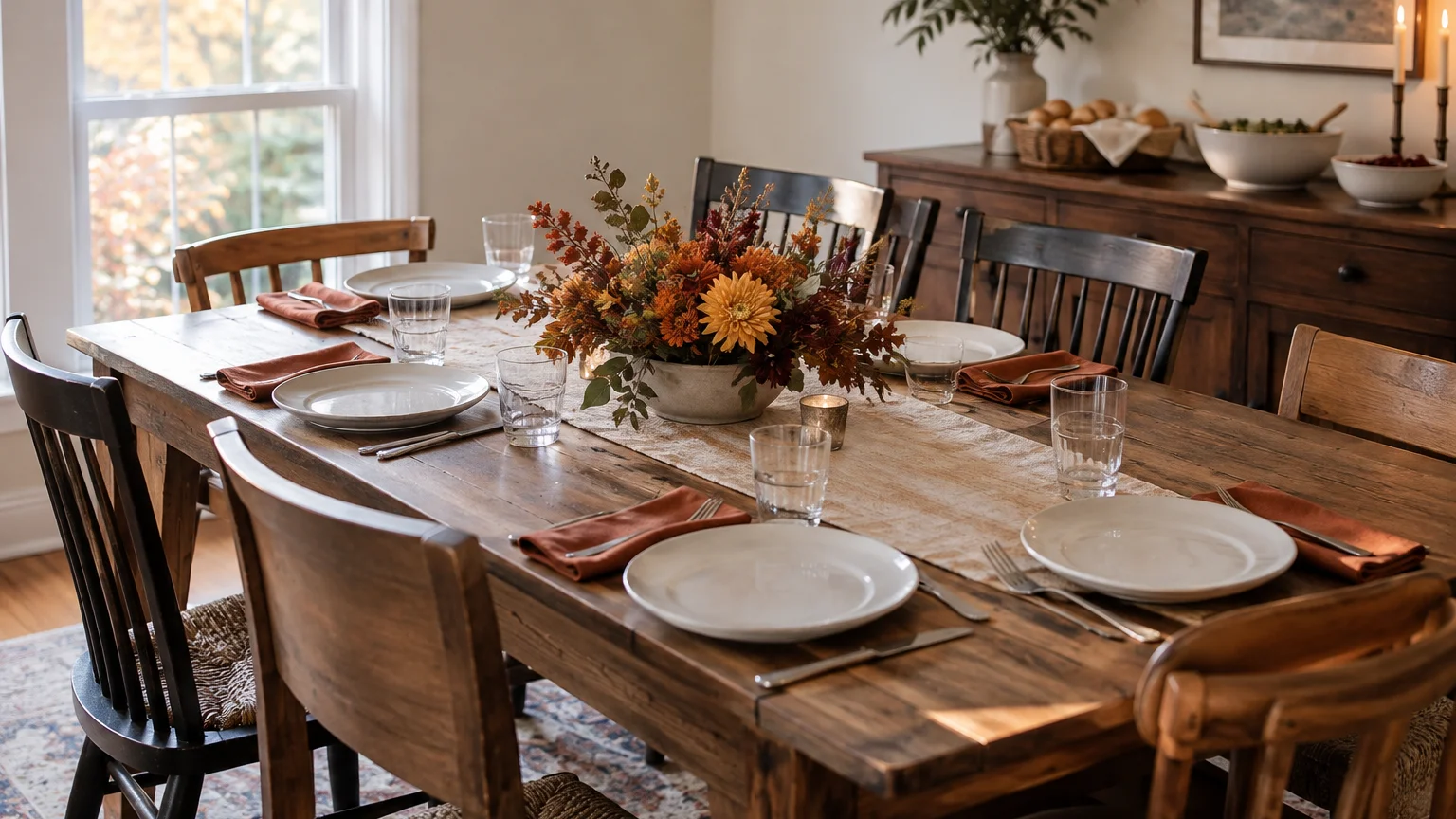
A seated lunch gives everyone a shared break and a place to settle. It needs confirmed seating for the people attending at the same time, space for food service, and a route between the two. Existing conference tables may be useful, but count the chairs and check the approved room layout rather than assuming the normal meeting arrangement works for dining.
A drop-in lunch for staggered breaks
A drop-in format can suit teams whose work cannot stop at once. Plan for the busiest overlap, not just the total number invited. Identify where people collect food, where they can sit, and how fresh service reaches later arrivals. A named host should watch replenishment so the final group does not inherit an untended buffet.
Lunch with a short thank-you or announcement
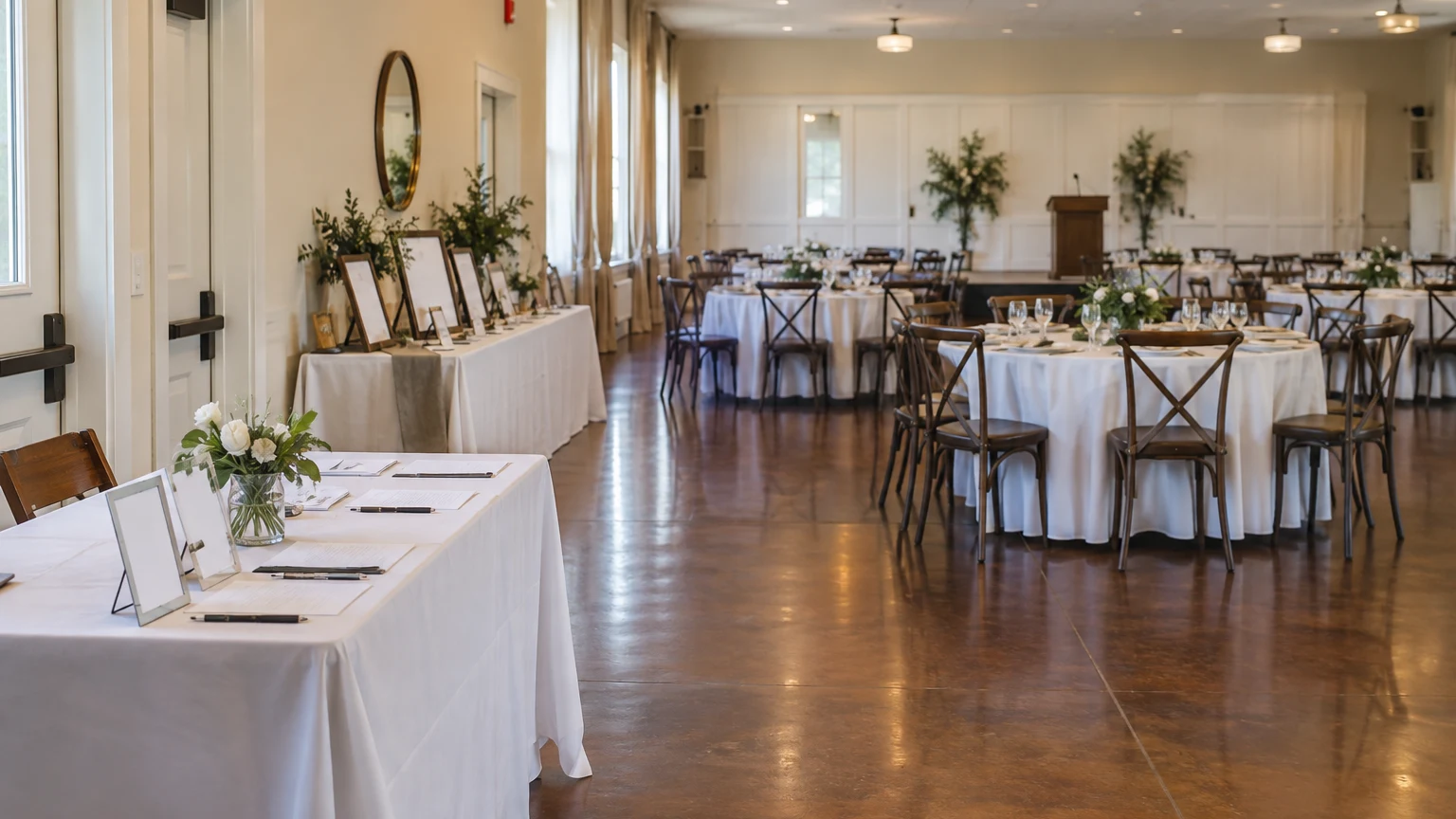
If a welcome, recognition, or presentation is part of the event, give it an intentional time and place. People need a clear view and a way to hear without standing in the food line. Keep announcements separate from the busiest serving moment. Confirm any sound or presentation equipment with the workplace rather than assuming the meeting-room system will suit the gathering.
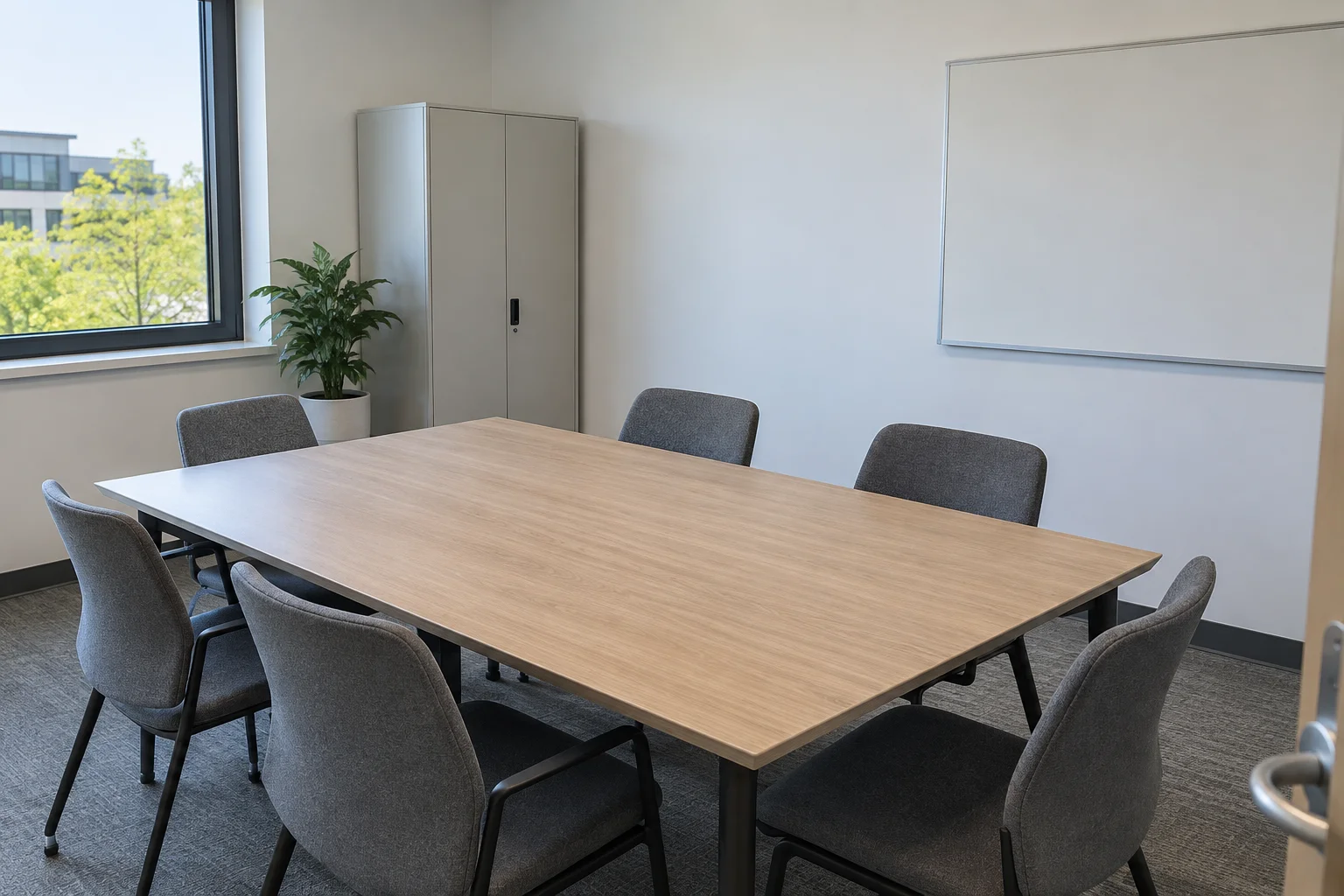
Walk the room before moving furniture
Ask the facilities or building contact to approve the proposed use, capacity, and layout. A room's usual desk or meeting arrangement is not a substitute for that check. Keep exit routes clear, preserve access to doors and emergency equipment, and do not use hallways as overflow dining or storage without approval. OSHA's workplace emergency guidance is a useful reminder that exit routes and emergency planning remain important during a celebration.
- Measure the usable space, noting fixed cabinets, door swings, and furniture that cannot move.
- Mark the approved guest route, food queue, seating, and service access.
- Ask how employees with different mobility or seating needs will comfortably use each station.
- Identify where deliveries may arrive and where empty containers can wait.
- Keep work materials, confidential paperwork, and office equipment out of the food-service area.
Take a few reference photos before rearranging anything. Label what stays in place and what can move, and agree where relocated items will be stored. A clear before-and-after plan makes the reset a defined task instead of a late-afternoon guess.
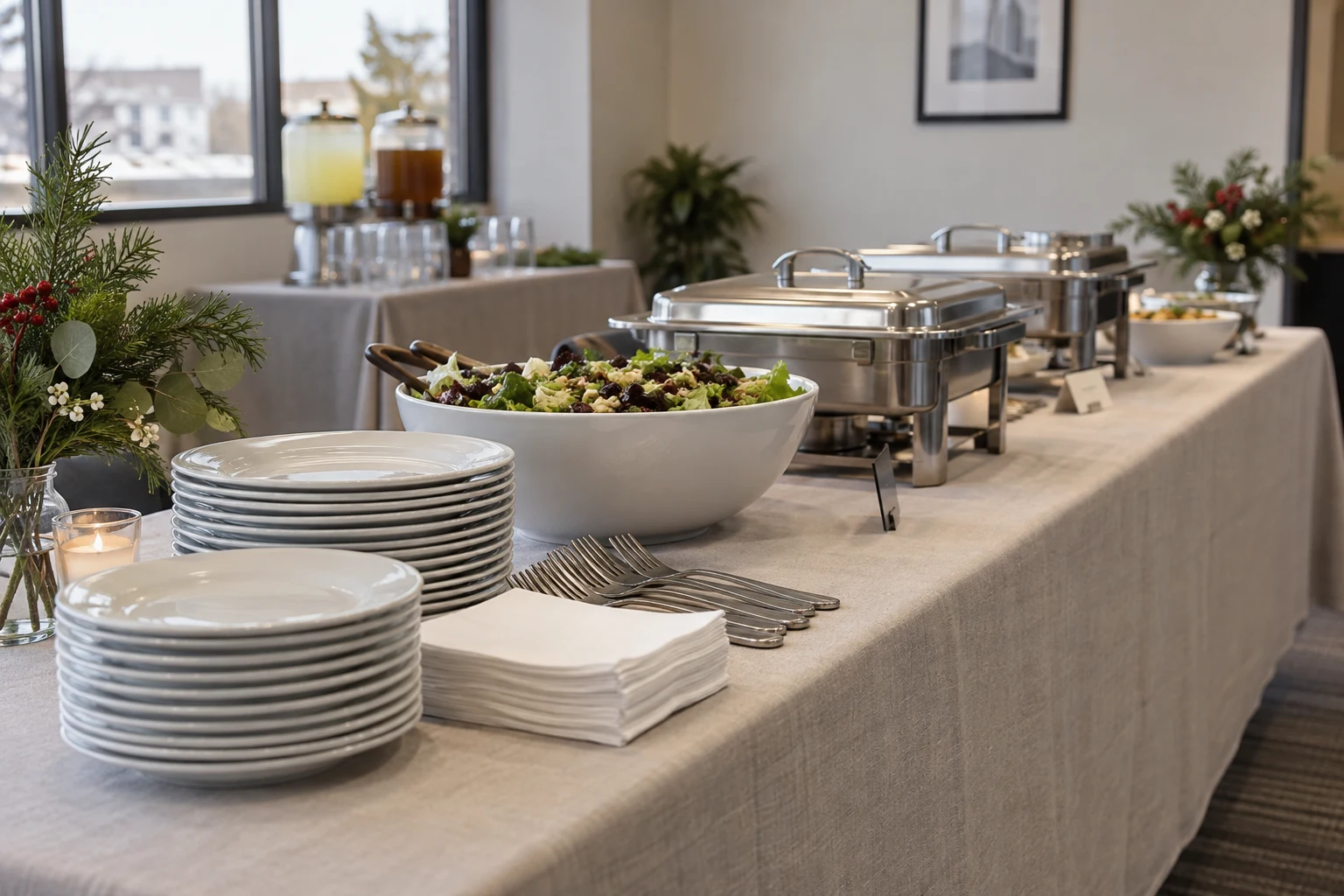
Give food, drinks, and used dishes their own jobs
A single table can look sufficient while you are planning and feel crowded once it holds food, drinks, napkins, dessert, and used dishes. List the functions first. Food collection needs a starting point and a place for guests to finish serving. Drinks need a stable surface and space to pause. Used dishes and waste need an obvious destination away from fresh food.
For a seated lunch, consider keeping drinks out of the main food queue. For a drop-in lunch, make the supply and replenishment plan clear for each arrival window. For a lunch with announcements, arrange service so late arrivals do not have to cross in front of the speaker to get a plate.
These are planning choices, not a fixed floor plan. Test them in your own room and adjust with the building contact. A layout that fits on paper may still fail when a chair is pulled out or two people pause to talk beside the buffet.
Build the rental list from what the office lacks
Inventory what you already have permission to use. Then fill the gaps. You may need extra tables for serving rather than dining, chairs that allow the approved layout to work, or enough matching dishes for the service plan. Harleysville Party Rental's corporate and business event page is a starting point for discussing the event, while the rental catalog lets you review individual options.
- Dining: tables and chairs for the confirmed lunch arrangement.
- Service: separate surfaces for food, beverages, dessert, and supplies where needed.
- Tableware: plates, bowls, glasses, and flatware matched to the menu, with a separate count for dessert.
- Presentation: linens and simple host-provided signs for the lunch stations.
- Reset: agreed containers or collection areas for used rentals, recycling, and waste.
If you want linens, discuss the sizes and available choices by phone or at the showroom. HPR prefers linen orders in person or over the phone. Make sure the serving tables are included in that conversation, not just the tables where employees will sit.
Assign the service details before lunch begins
Decide who is bringing the food, who is responsible for food safety, and who can answer ingredient questions. Give the caterer or food provider the actual serving window, including later shifts. Confirm the holding and replenishment plan with them. The FDA's safe buffet guidance explains why perishable food cannot simply remain out throughout an extended event.
Powered equipment needs its own approval. Before including a coffee maker, warmer, or other appliance, ask the provider and facilities contact to confirm suitability, power requirements, approved placement, and instructions for the exact unit. Do not improvise electrical arrangements or turn a food table into an unapproved cooking station.
- Name one lunch coordinator and one workplace or facilities contact.
- Agree the access, setup, food-arrival, and serving times.
- Assign a person to check each serving station and support later arrivals.
- Set a clear time for clearing food and collecting rentals.
- Assign the room reset and a final facilities check before work resumes.
For example, a hypothetical team with two lunch shifts might appoint one coordinator for both windows, then arrange a fresh service check before the second group arrives. The important point is the handoff, not a universal schedule. Your food provider and workplace should help define the timing that fits your event.
Plan the reset as carefully as the welcome
A successful office lunch ends with a usable office. Agree when the room must be ready for work again, who can move furniture, and where rentals will wait for their confirmed return or collection arrangements. Ask HPR about the required handling and packing of used items rather than assuming the office dishwasher or cleaning routine is appropriate.
Use the printable room-conversion checklist below to assign an owner and a ready-by time to each job. Keep it with the event plan so the lunch coordinator, facilities contact, and people helping with cleanup are working from the same list.
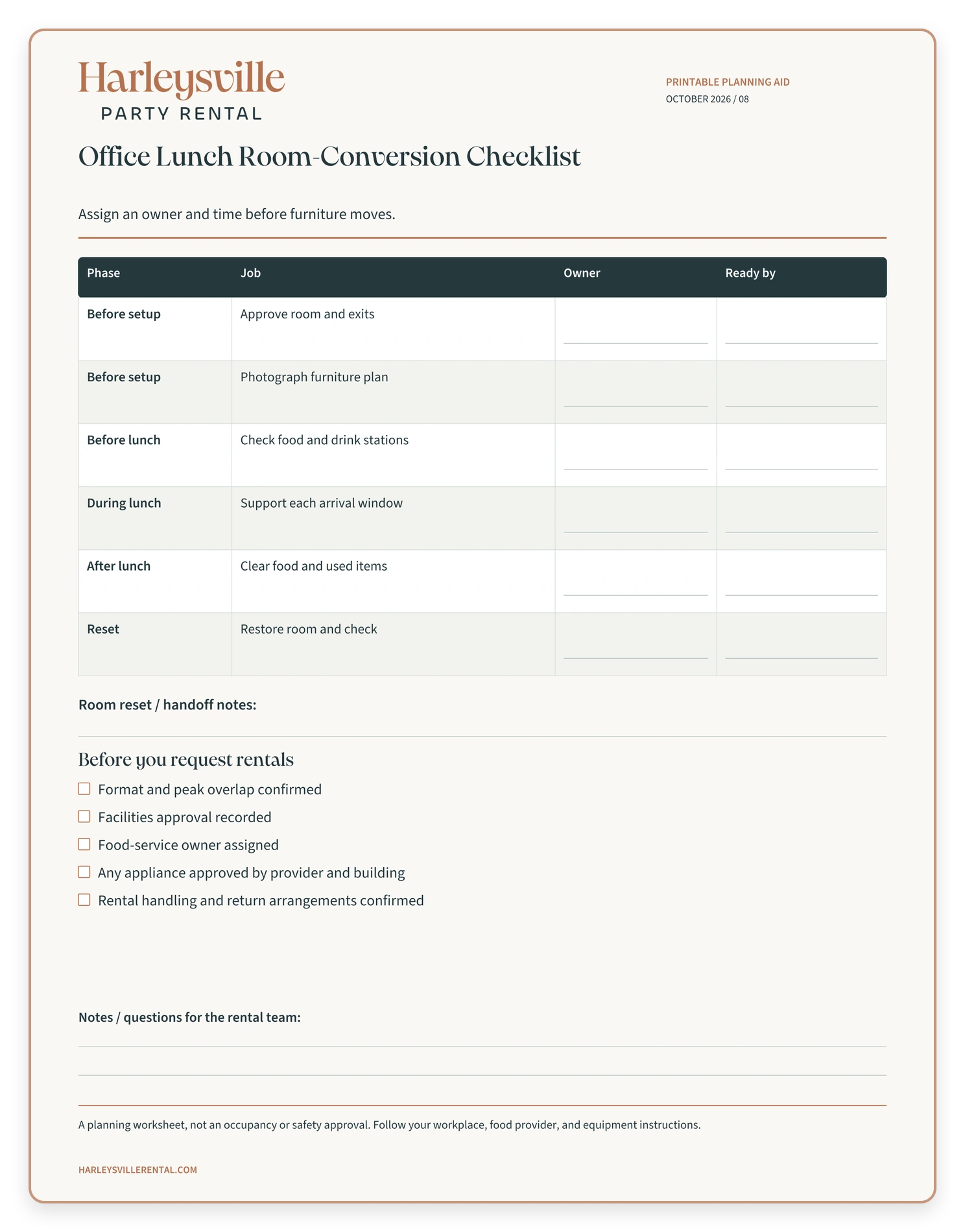
Open the full-resolution planning worksheet to print or save.
For reservation priorities beyond this room setup, read our company holiday party rental guide. When you are ready to discuss the lunch, request a quote with the date, address, total attendance, busiest expected overlap, chosen format, and access window. Include what the office already provides. The goal is a useful rental list for your event, not a room full of extras.
Frequently asked questions
Can we use our existing conference tables?
Possibly. Check their dimensions, condition, permitted use, and the approved dining layout with your workplace. Existing furniture may cover some needs while separate rental tables handle food or drinks. Confirm the full arrangement rather than counting only dining seats.
How many chairs do we need for a drop-in office lunch?
Plan around the greatest expected overlap and how long people are likely to stay. There is no single percentage that works for every office. Confirm the attendance pattern, seating needs, and approved room capacity before deciding the rental quantity.
Can we add a coffee maker or warming equipment?
Ask the rental provider and building contact first. They need to confirm the exact equipment, permitted use, power arrangements, placement, and operating instructions. A convenient-looking outlet does not establish that an appliance is suitable for the room.
What information should I include in the rental request?
Send the date, location, attendance and peak overlap, lunch format, menu outline, existing furniture, access restrictions, and setup and reset windows. Note any questions about linens, equipment, delivery, or collection so those arrangements can be discussed and confirmed.